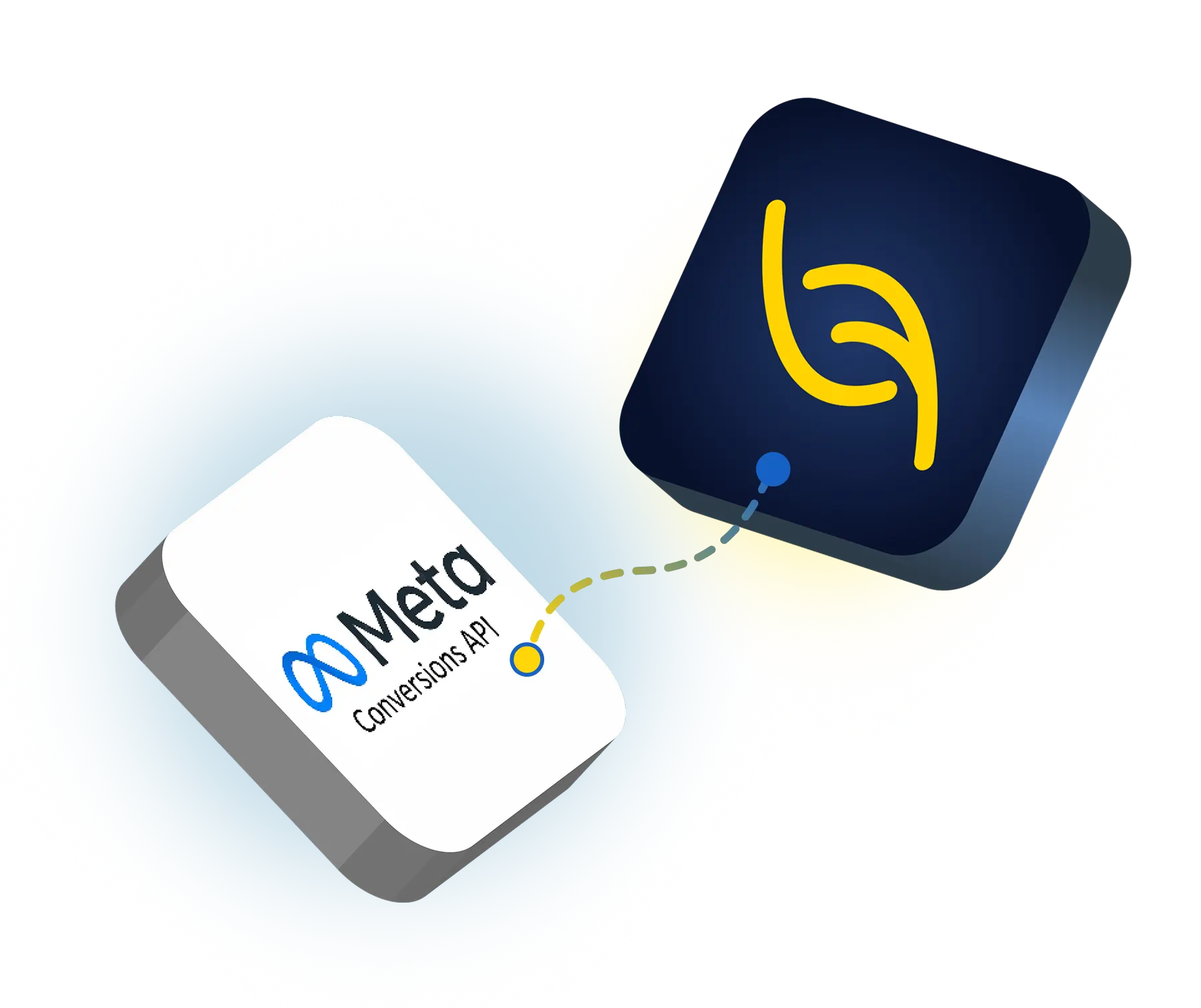
Leaf CRM simplifies the process of sending lead and conversion data directly to Meta. Whether you are running multiple campaigns, this integration allows you to send conversion events from Leaf CRM to Meta, improving better targeting and performance.
Browser-based tracking often misses important data due to ad blockers, privacy settings, and connection issues, leading to weaker campaign optimisation. Connecting the Meta Conversions API helps you recover lost data and improve campaign performance.
Lower cost per quality lead
Send qualified, won, and junk leads data back to Meta with Meta Lookalike via Leaf CRM to improve ad audience quality and reduce low-quality enquiries.
Improve ad targeting
Send accurate and complete data to help Meta optimise your campaigns more effectively, leading to better targeting and higher-quality leads.
Track leads that convert
Track which leads turn into bookings or sales with Leaf CRM to understand which campaigns drive real results and not just form submissions.
How To Connect Meta Conversions API To Leaf CRM?
Open Leaf CRM, go to External Integrations, and select Meta Conversions API.
Click Sign in with Meta and connect your Meta account.
Go to Meta Events Manager, create a dataset, and choose Connect manually.
Return to Leaf CRM and select the dataset you created to complete the connection.